Sonova (via Capgemini) — Connected hearing devices
Hearing care,
beyond limits
A companion app for connected hearing aids — device control, appointments and a hearing test — designed for people managing their hearing every day.
Product Designer — 2023–2024, eighteen months.
- Product
- Companion app for connected hearing aids
- Audience
- Elderly primary users plus the clinics that serve them
- Constraint
- European medical-device regulation
- Brands
- Four regional brands one codebase, one layout
The 10-second version
From a few-screen MVP to a full hearing care hub — with advanced configuration of the aids, appointments including a video call where a specialist tunes the device remotely, and a hearing test.
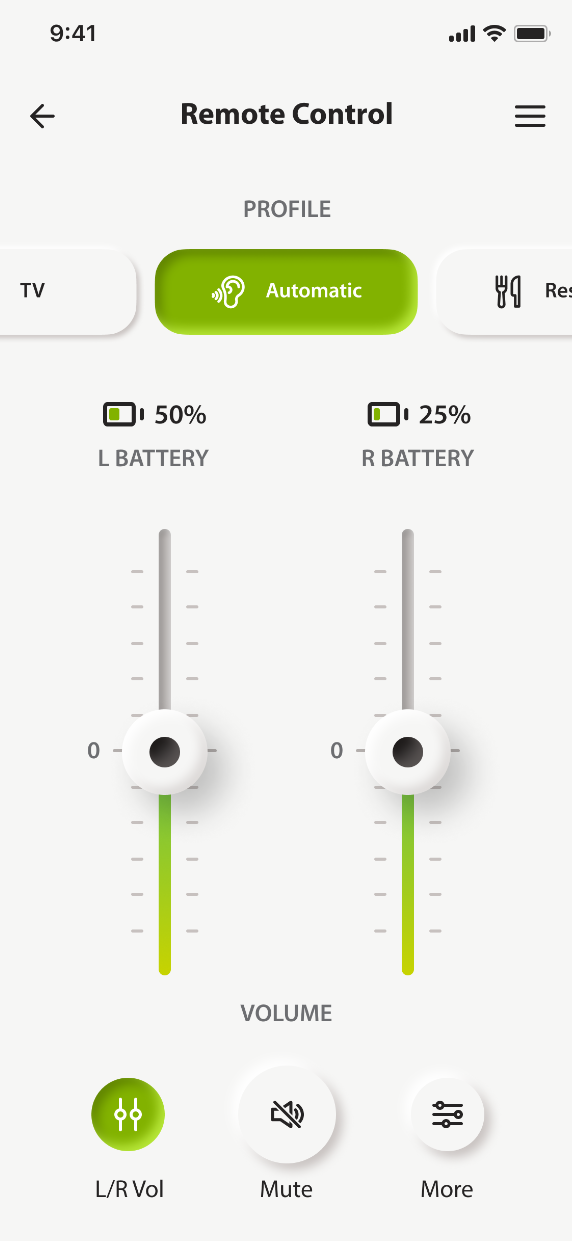
Advanced configuration Step 1 of 3
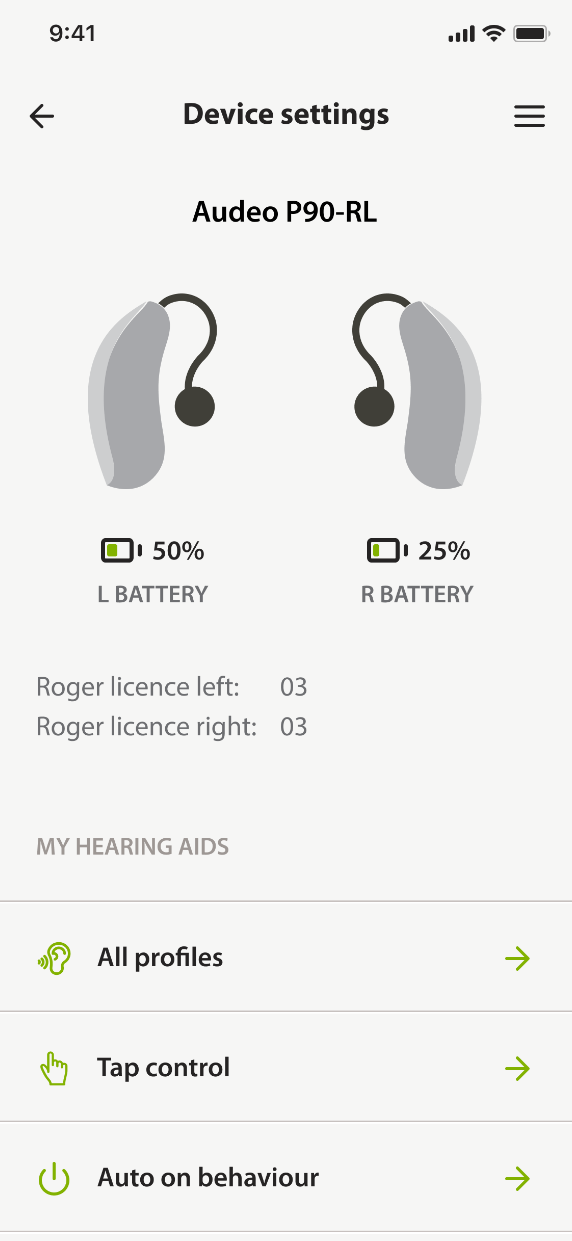
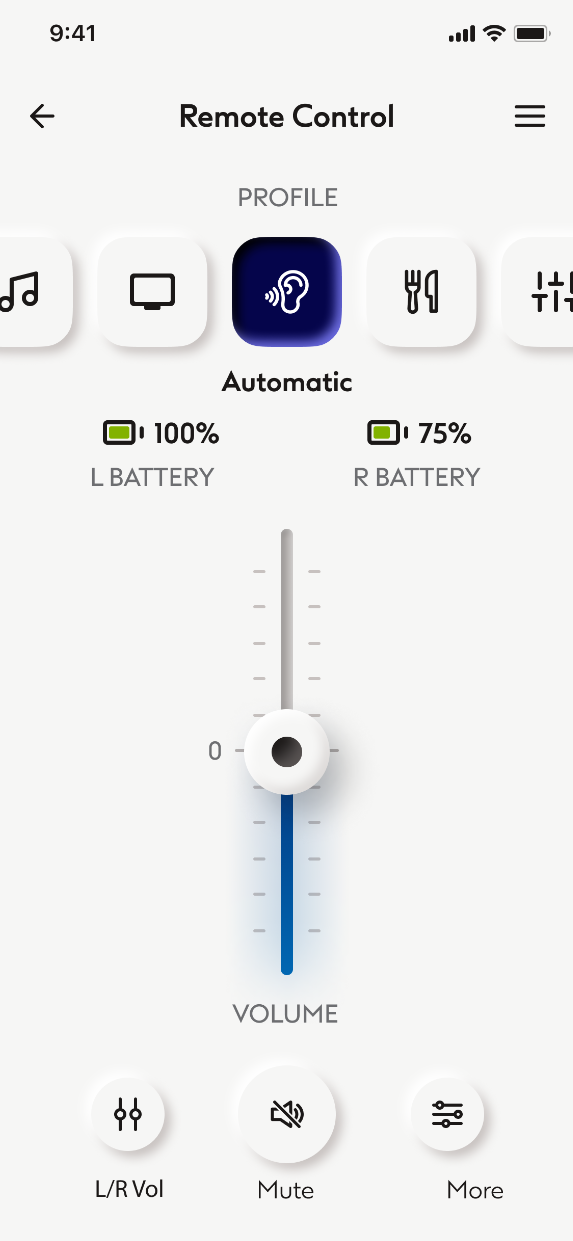
Volume, profile and both batteries in one place
The state of each aid stays visible while you change it — nothing hidden behind a menu.
The 10-second version
From a few-screen MVP to a full hearing care hub — with advanced configuration of the aids, appointments including a video call where a specialist tunes the device remotely, and a hearing test.
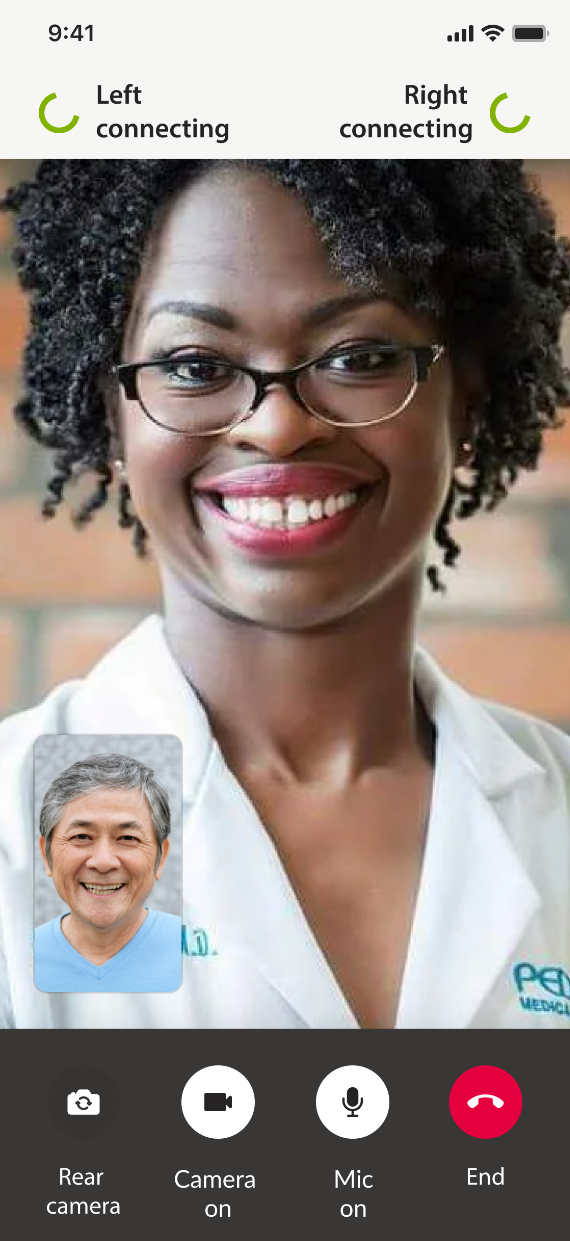
Appointments Step 2 of 3
The clinic reaches the device, not the other way round
An audiologist joins by video and tunes the aids remotely — the visit happens without the trip.
The 10-second version
From a few-screen MVP to a full hearing care hub — with advanced configuration of the aids, appointments including a video call where a specialist tunes the device remotely, and a hearing test.
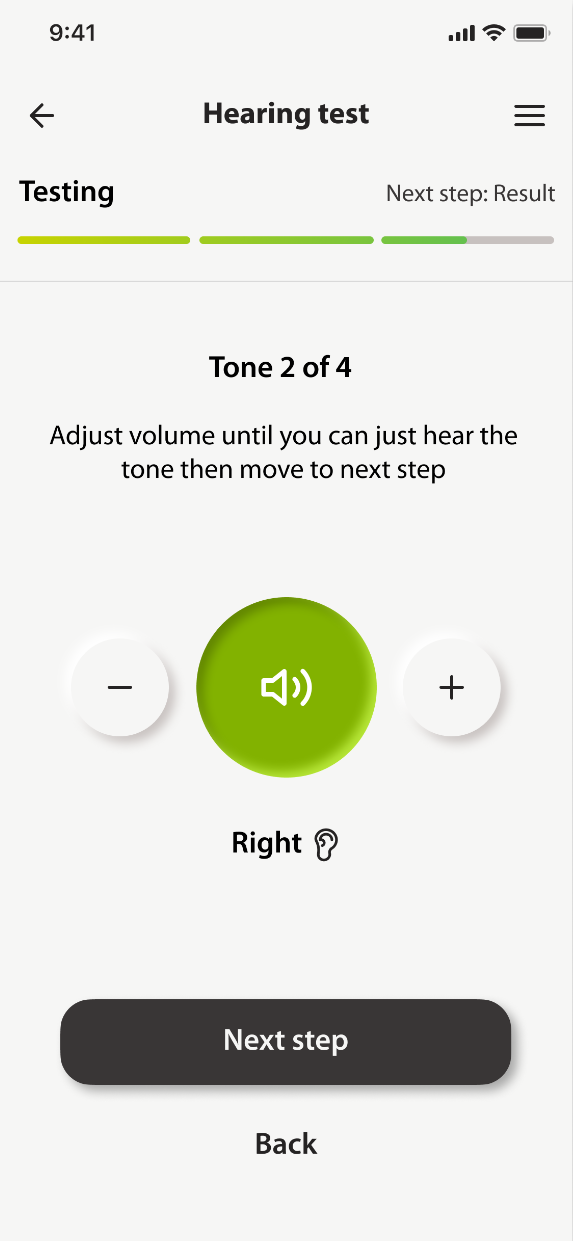
Hearing test Step 3 of 3
A guided test that says what it measured
One decision per screen, one tone at a time — and a plain result that sends anything more to an audiologist.
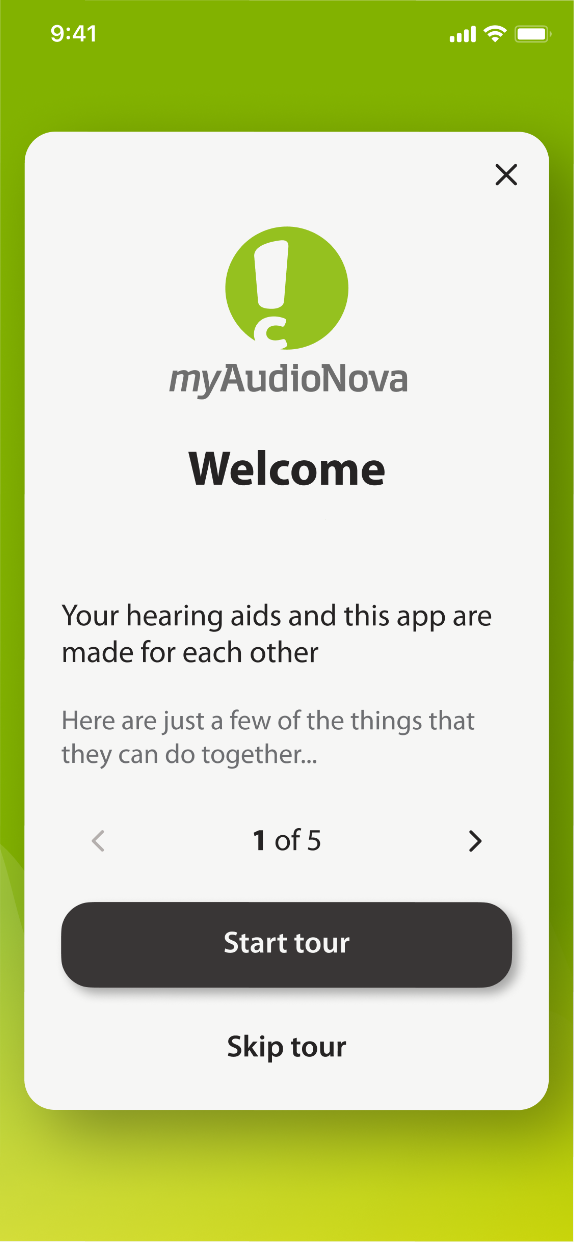
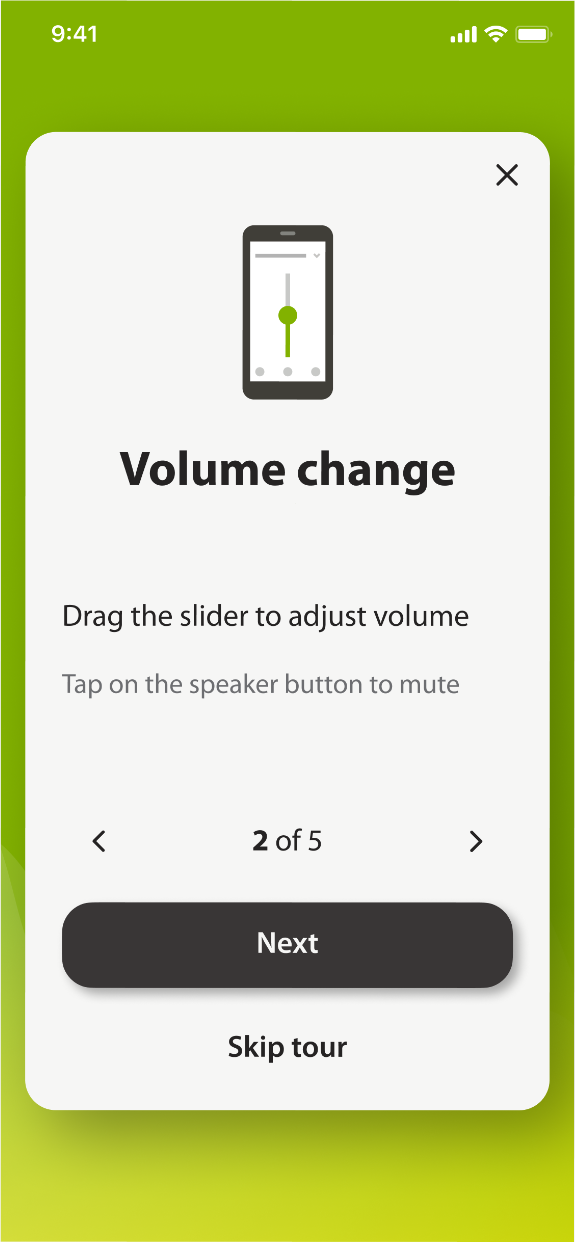
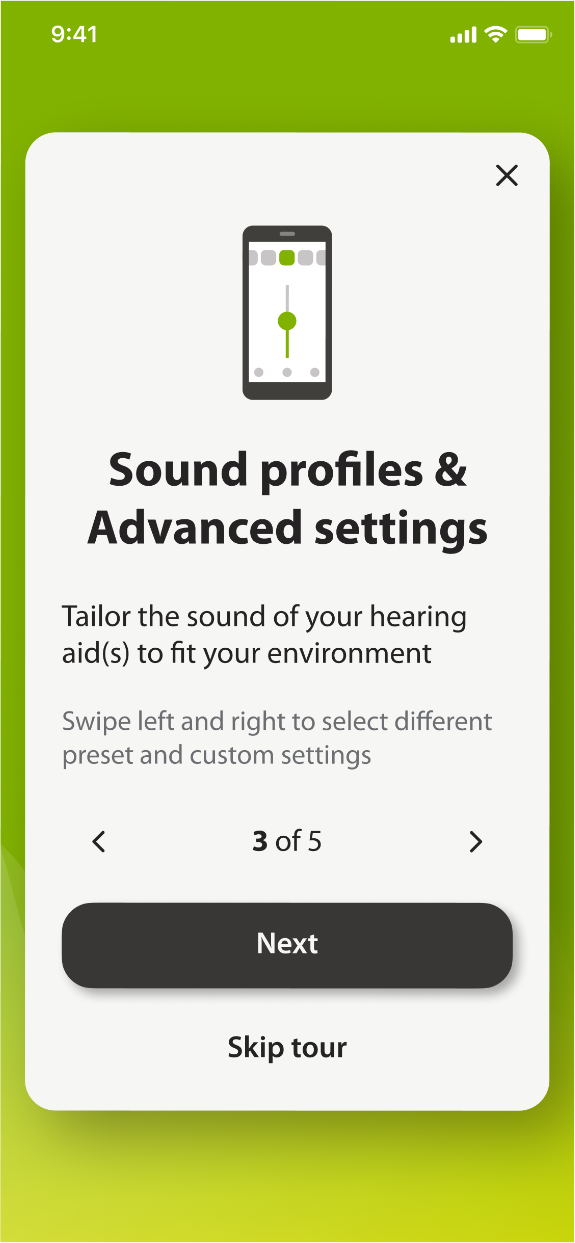
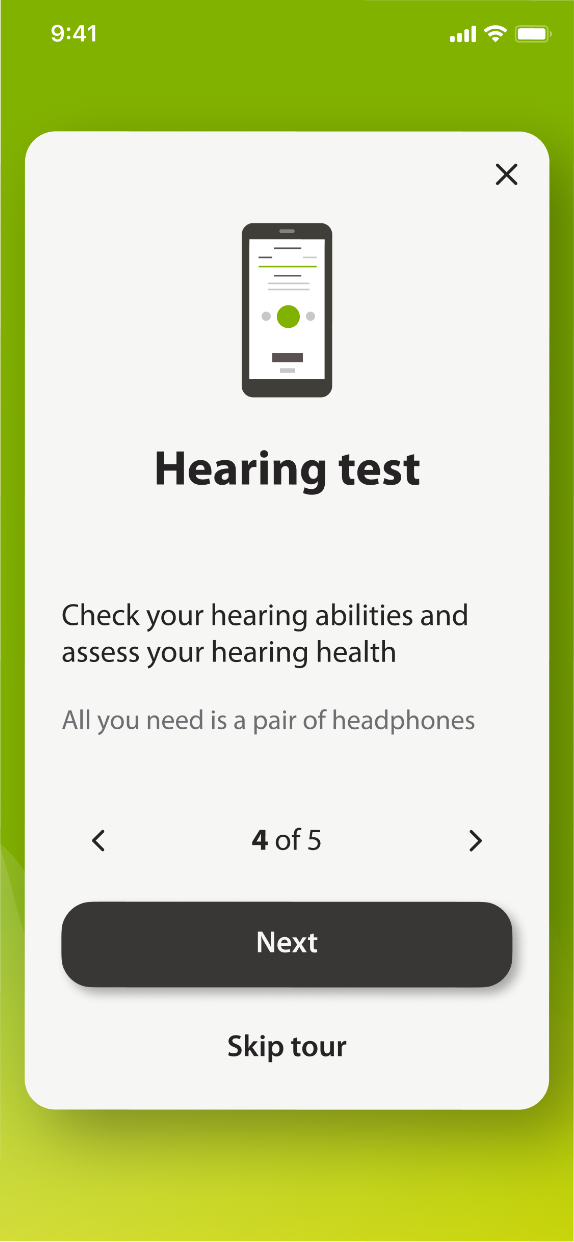
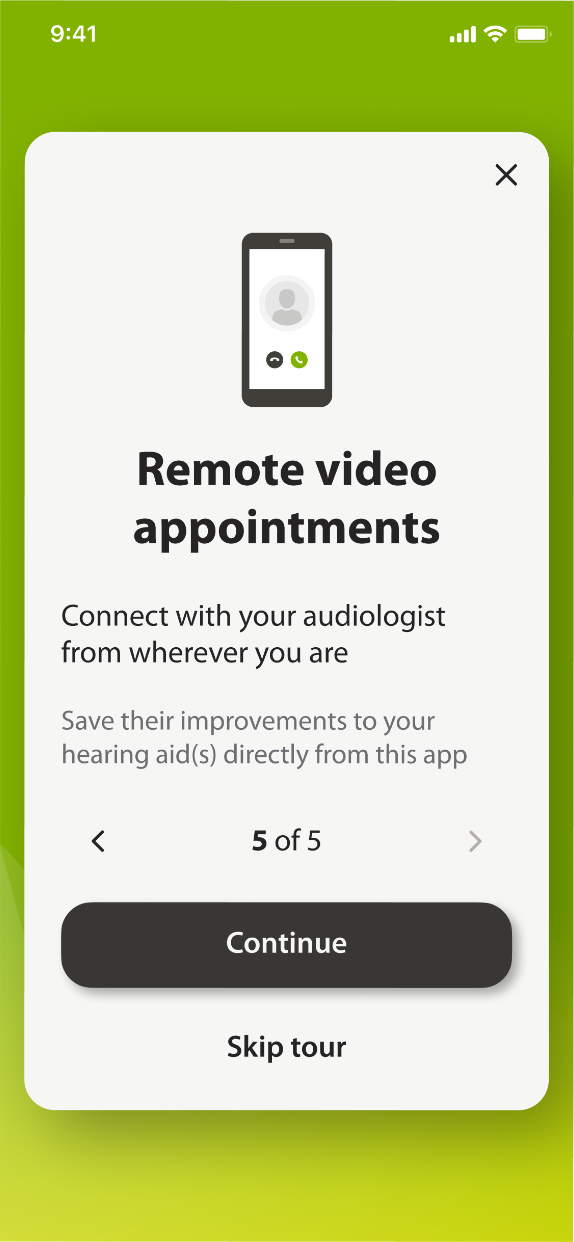
Onboarding highlights what the app does
The primary function is controlling the hearing aids themselves; appointments and the hearing test support the relationship between a person, their device, and their clinic.
Controlling the device
The core job: control the aids, clearly and confidently.
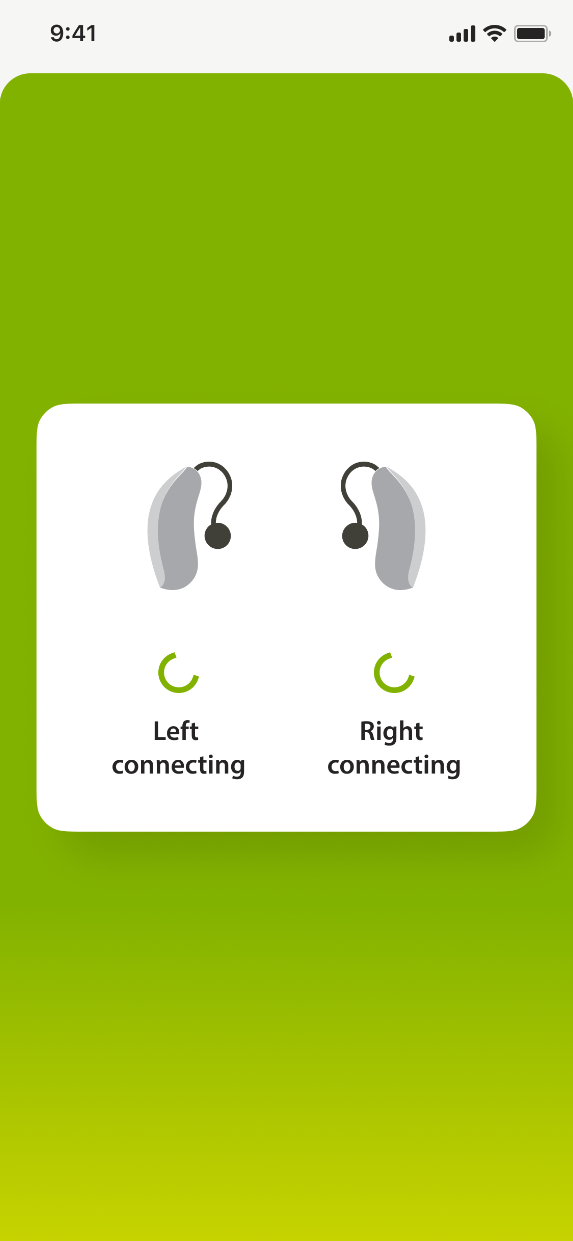
You know both aids are on before anything else
Volume, profile and both batteries in one place
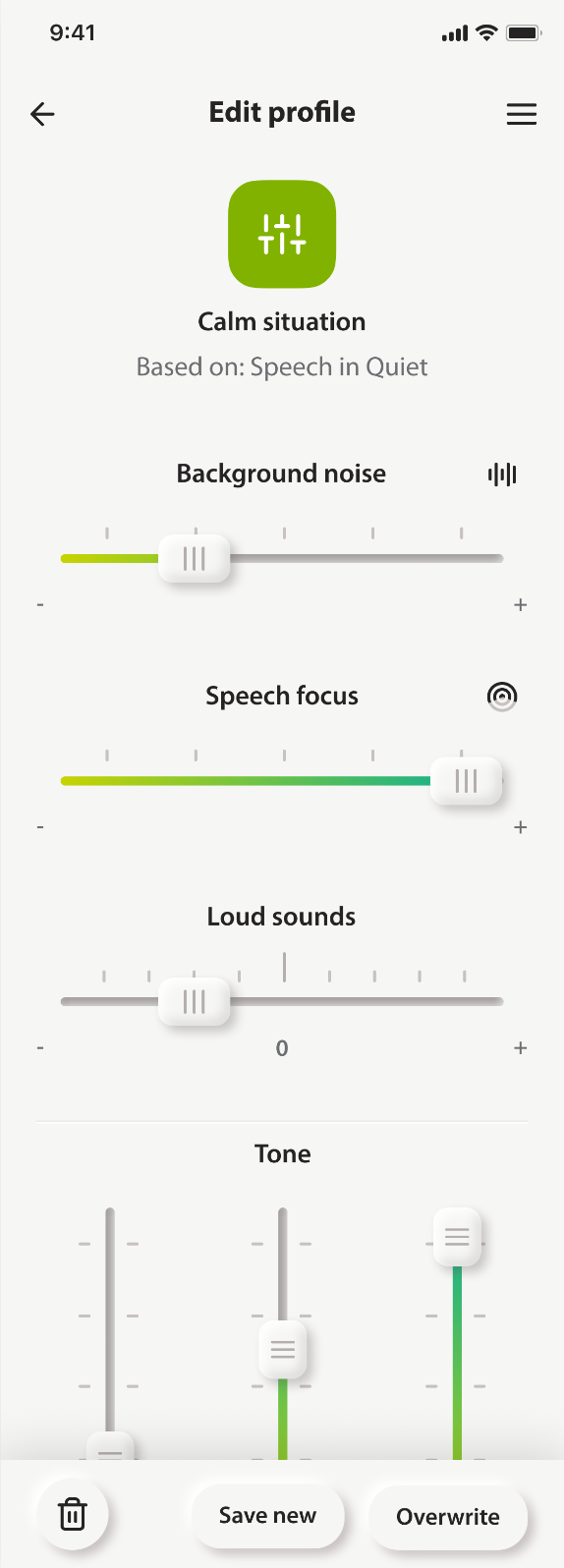
Your own setup, saved and named
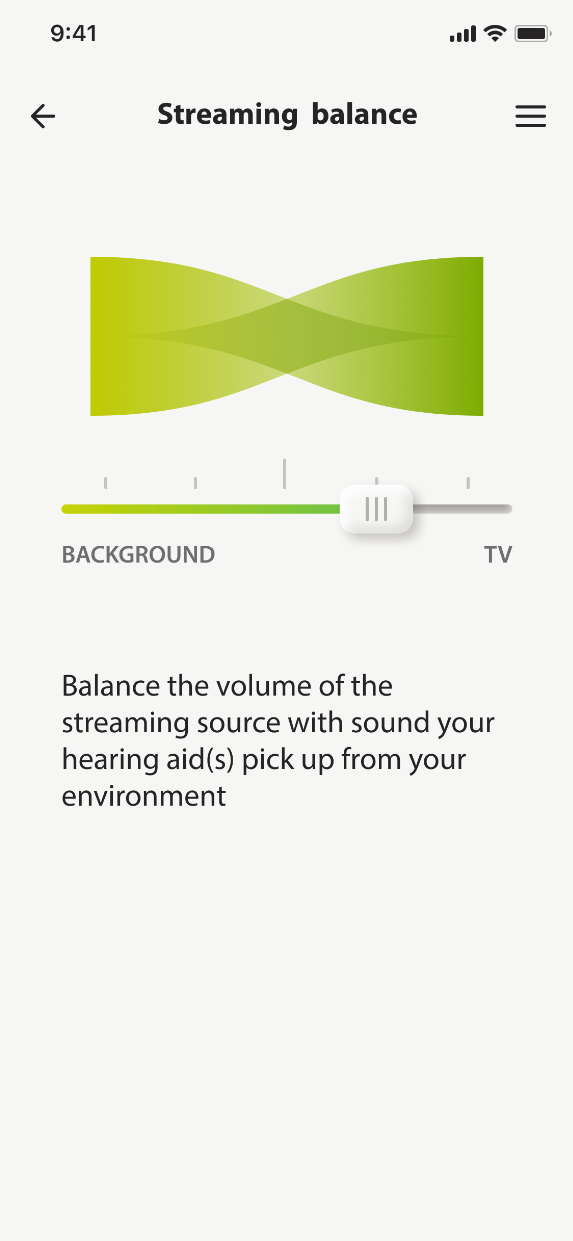
One slider between the room and the television
The technical drawer, kept out of the daily path
Appointments
A specialist tunes the aids without the trip to the clinic
Booking covers online and in-person visits. The video call goes further: the audiologist joins in the app and adjusts the settings while the person stays at home.
- Choose online or in person
- Find a store nearby
- Pick a date and a slot
- Come to your appointment
The hearing test
The test runs as a guided sequence, from the opening screen to the result.
-
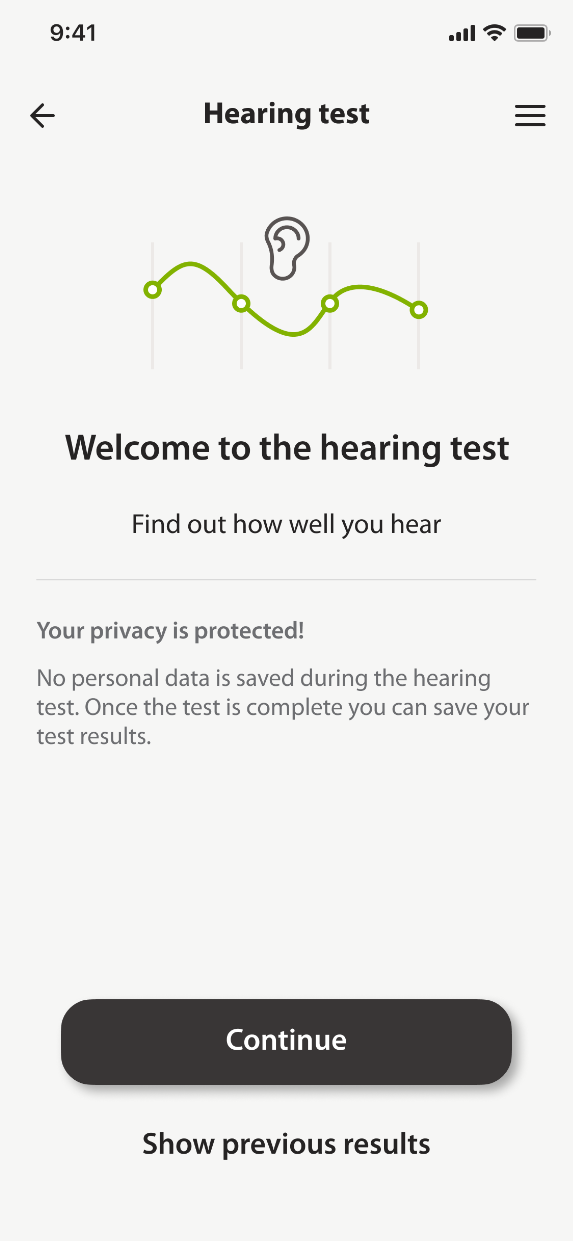
01 Starting the test -
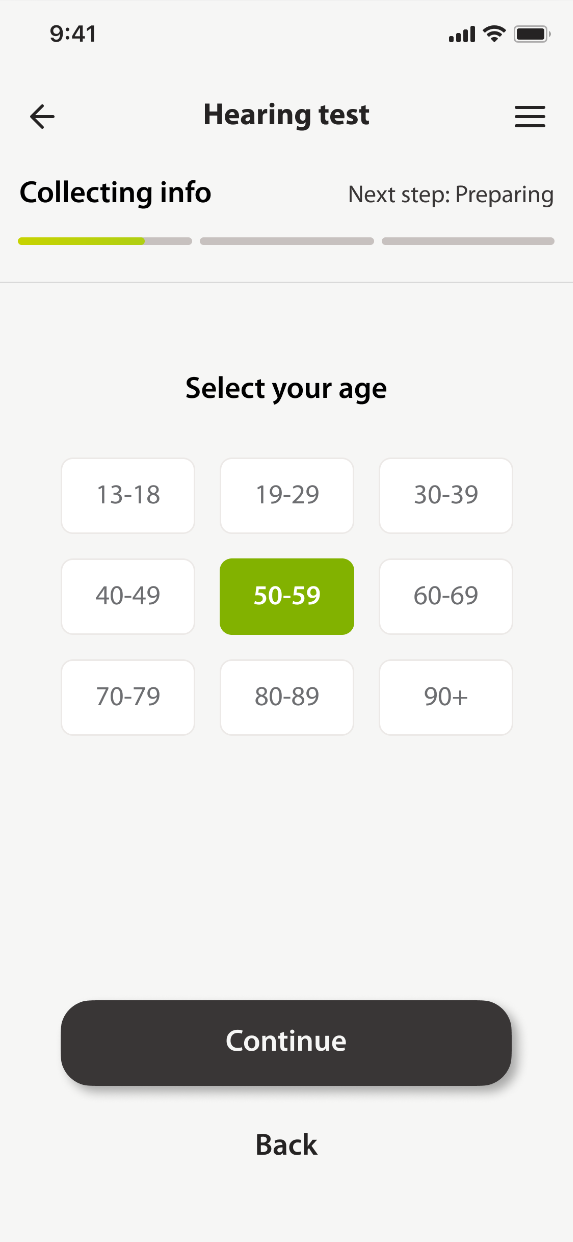
02 Collecting information -
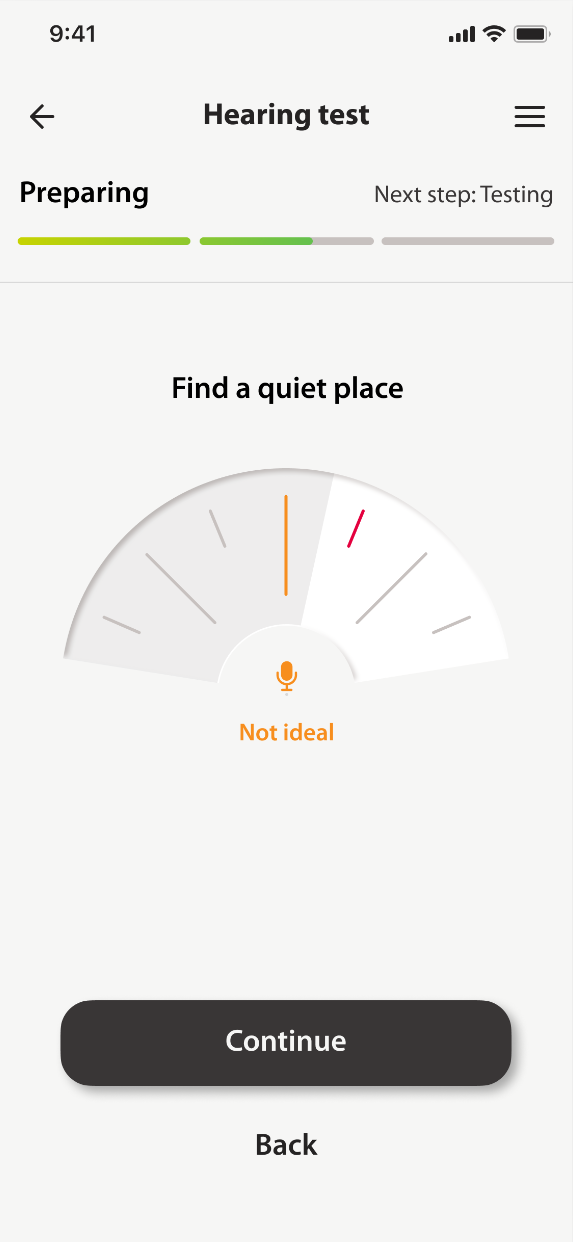
03 Preparing the room -
04 Running the tones -
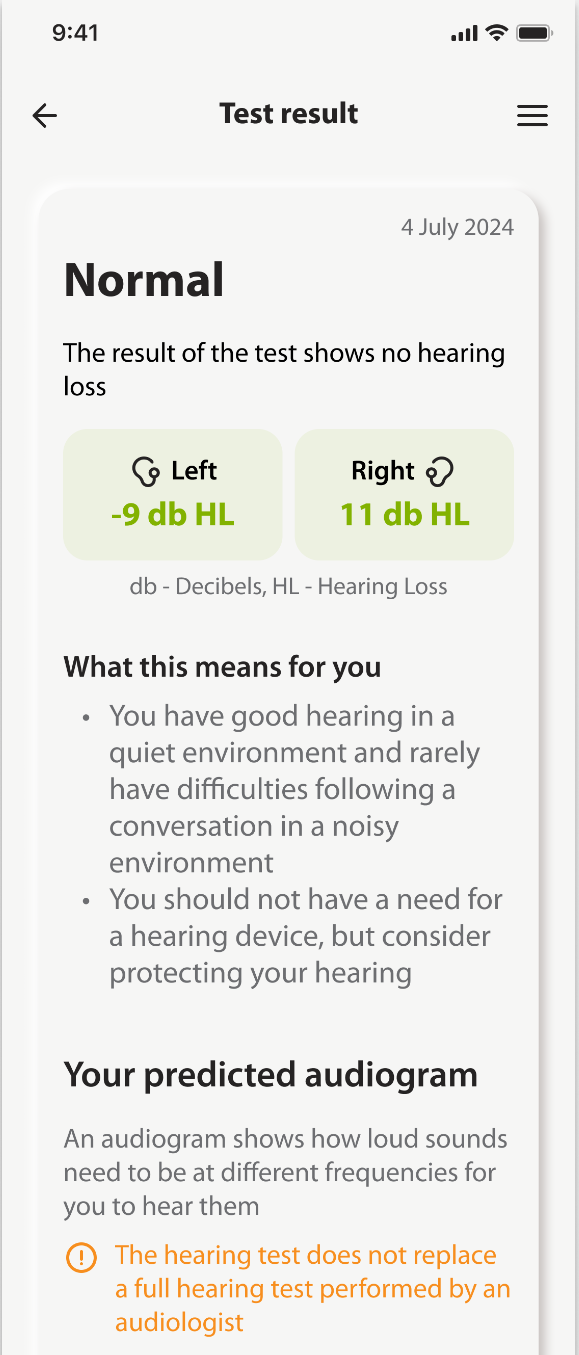
05 The result
One set of decisions, every regional brand
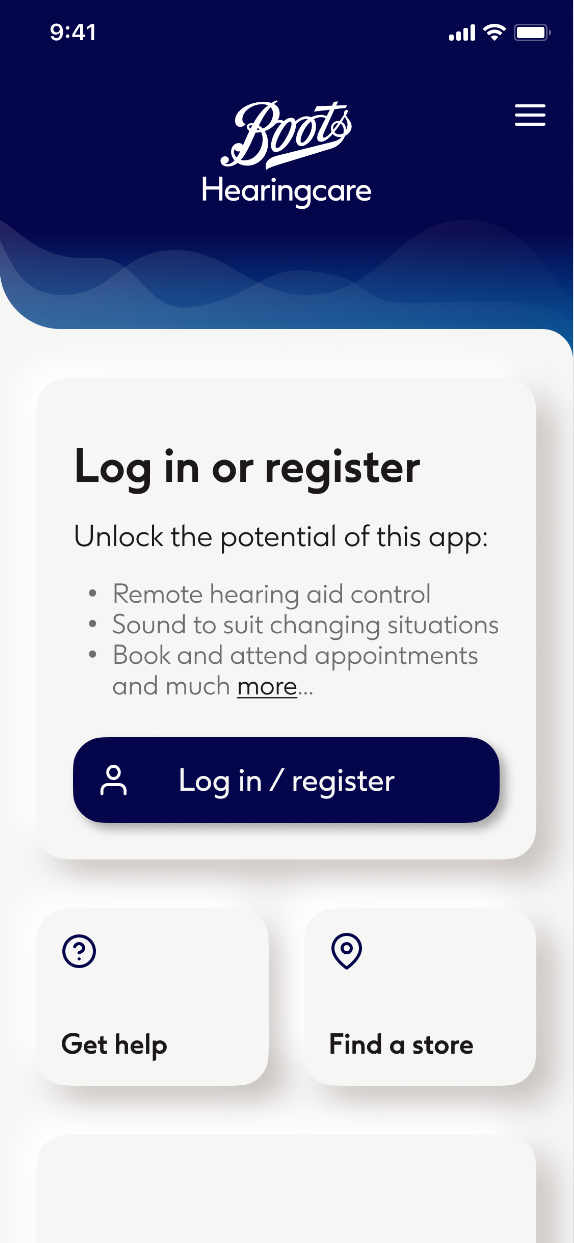
The same product carried several regional brands, and every theme had to hold the contrast and target sizes an elderly audience needs. The structure was fixed at the system level, so a change of brand never became a change of layout.
myAudioNova
Boots Hearingcare
The user guide
A device under medical-device regulation ships with a document that explains it, so the guide was part of the release rather than an extra. I led ours: building it out, and keeping it current as the product changed.
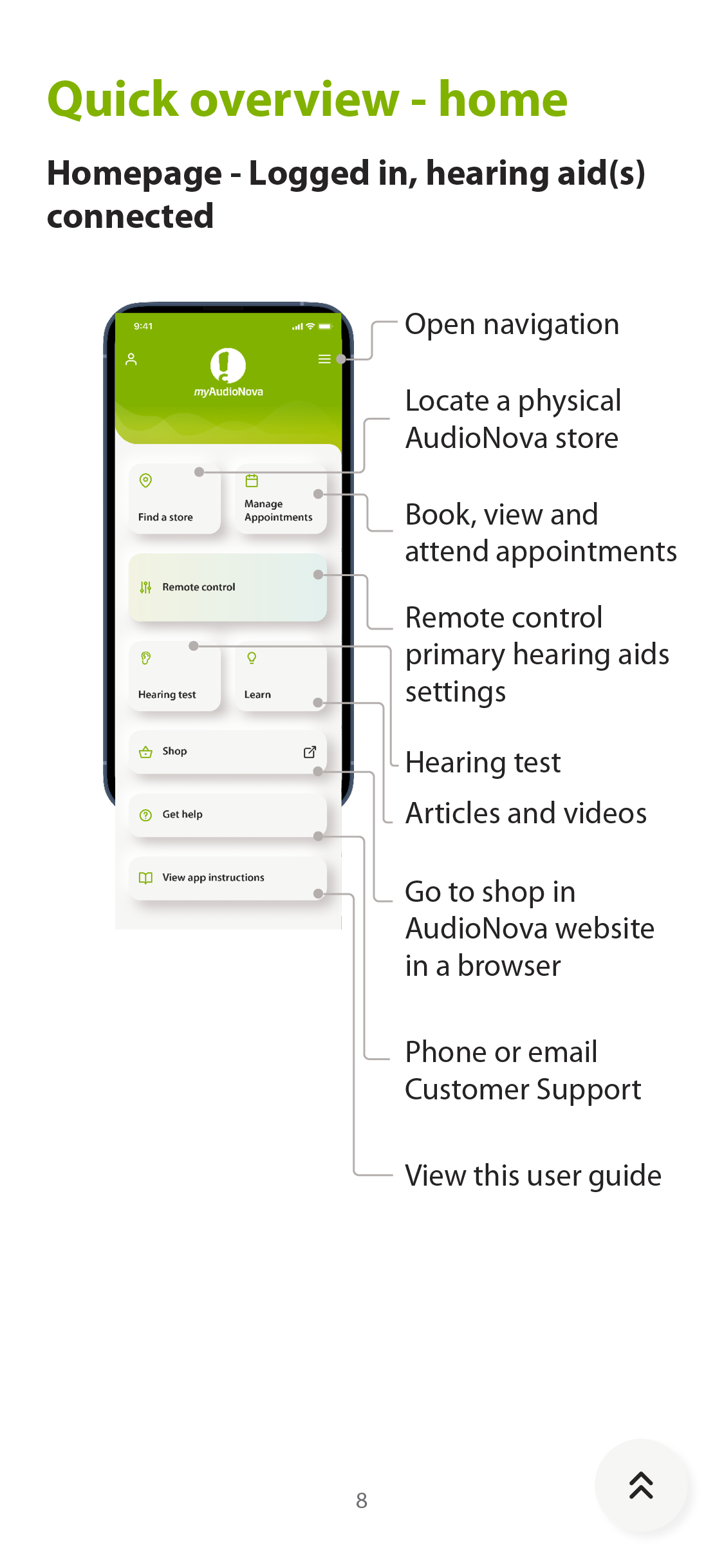
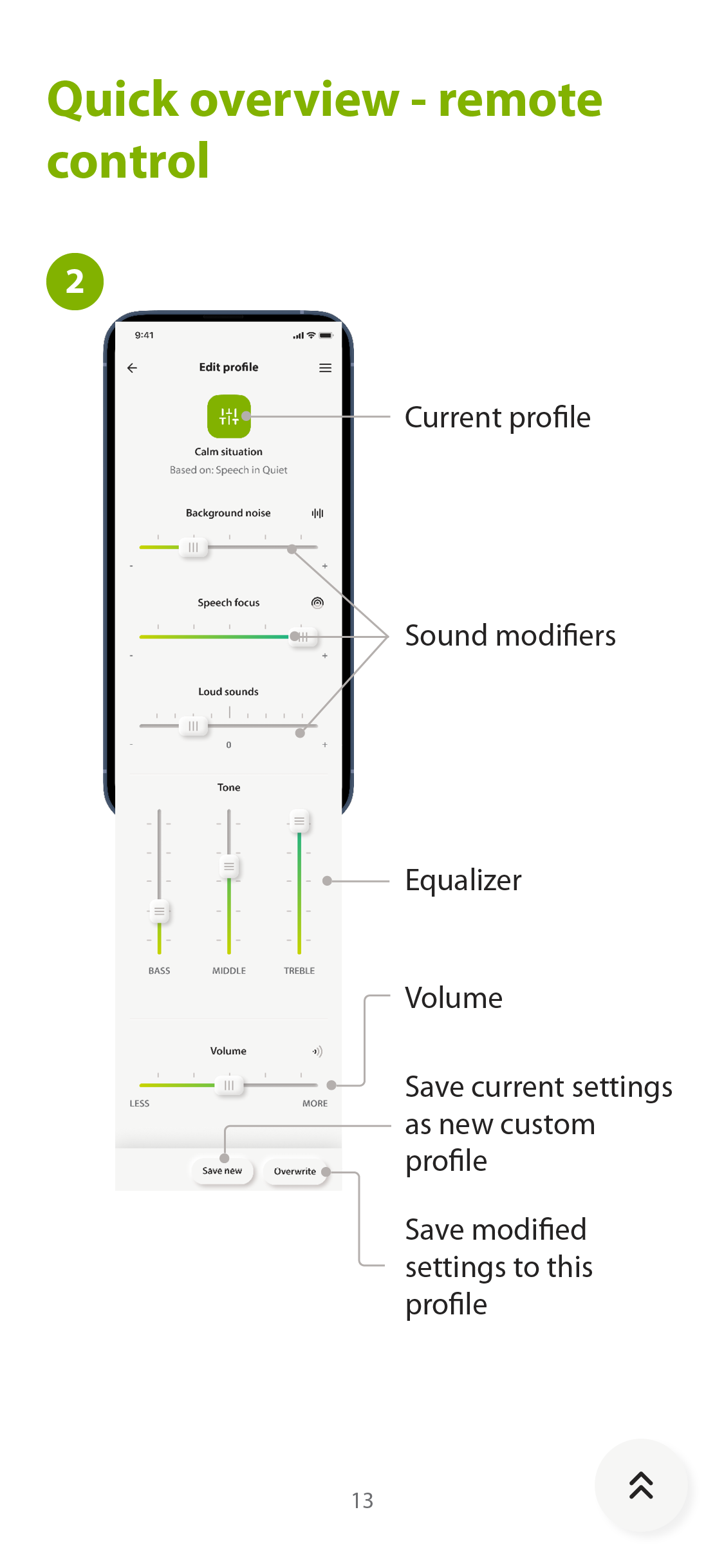
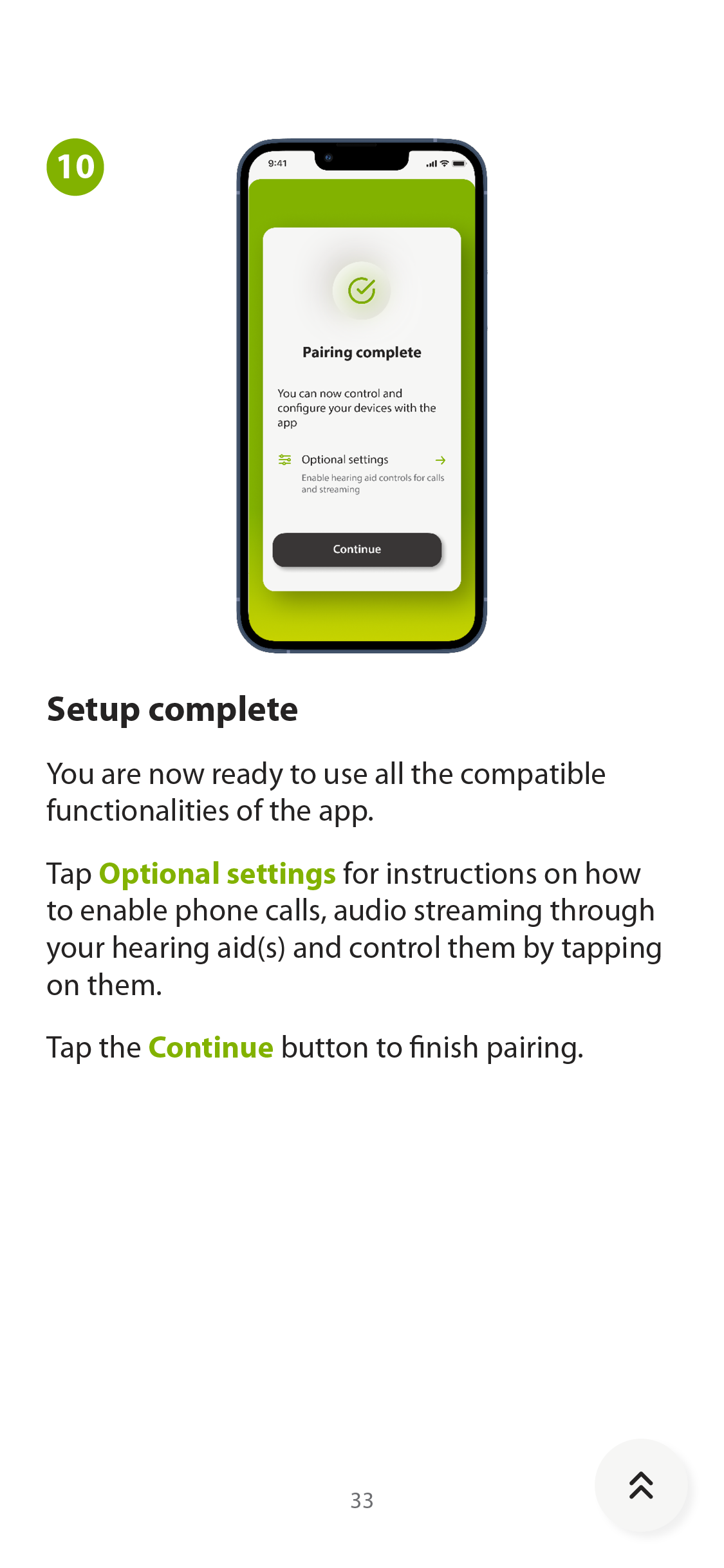
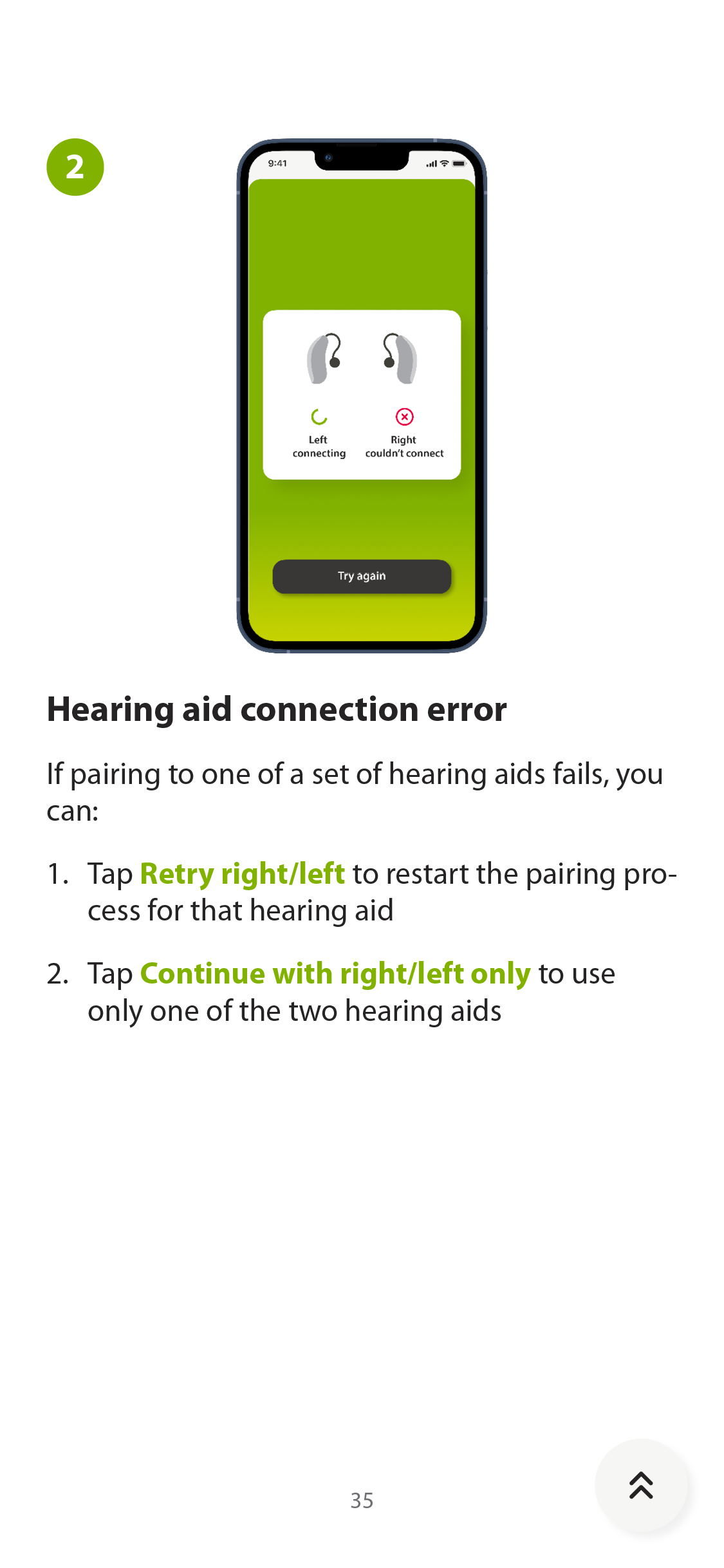
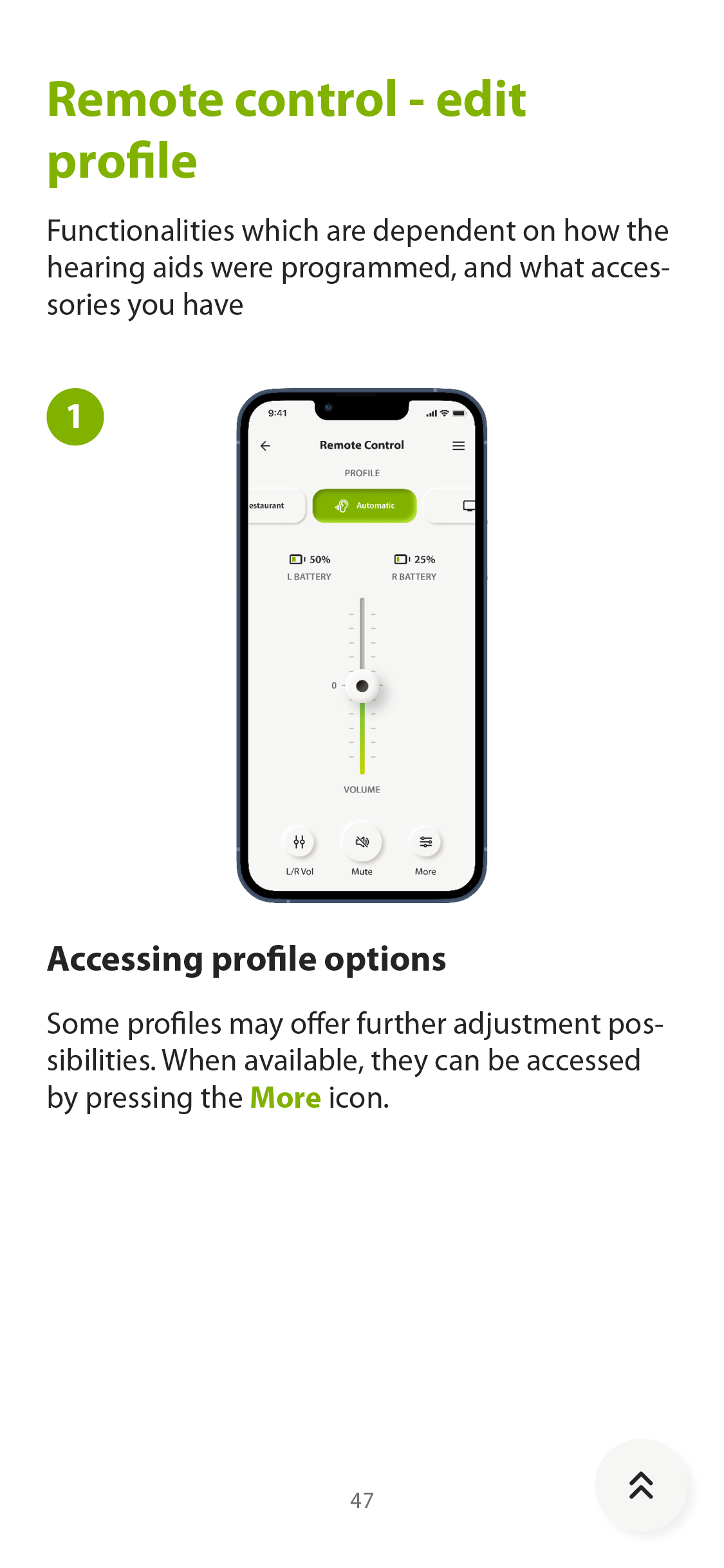
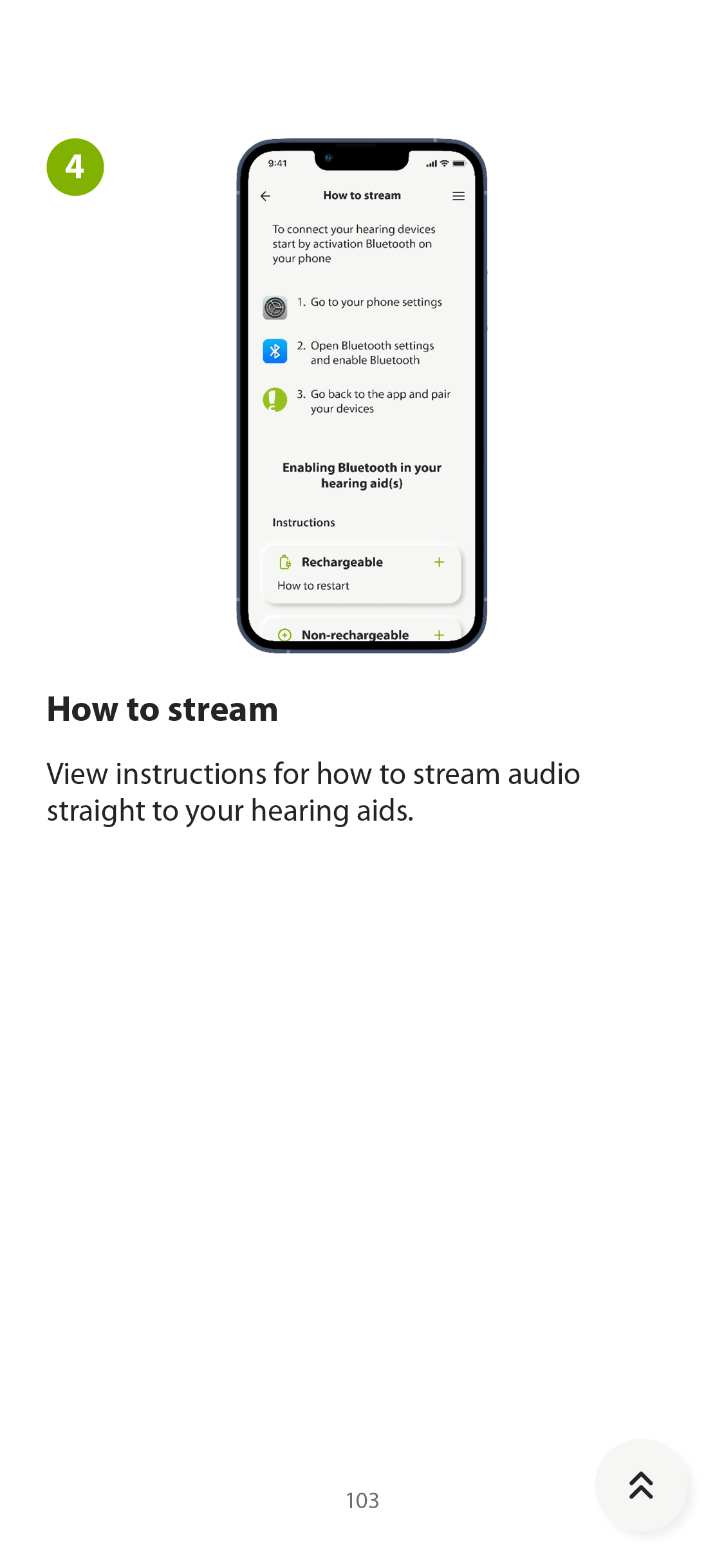
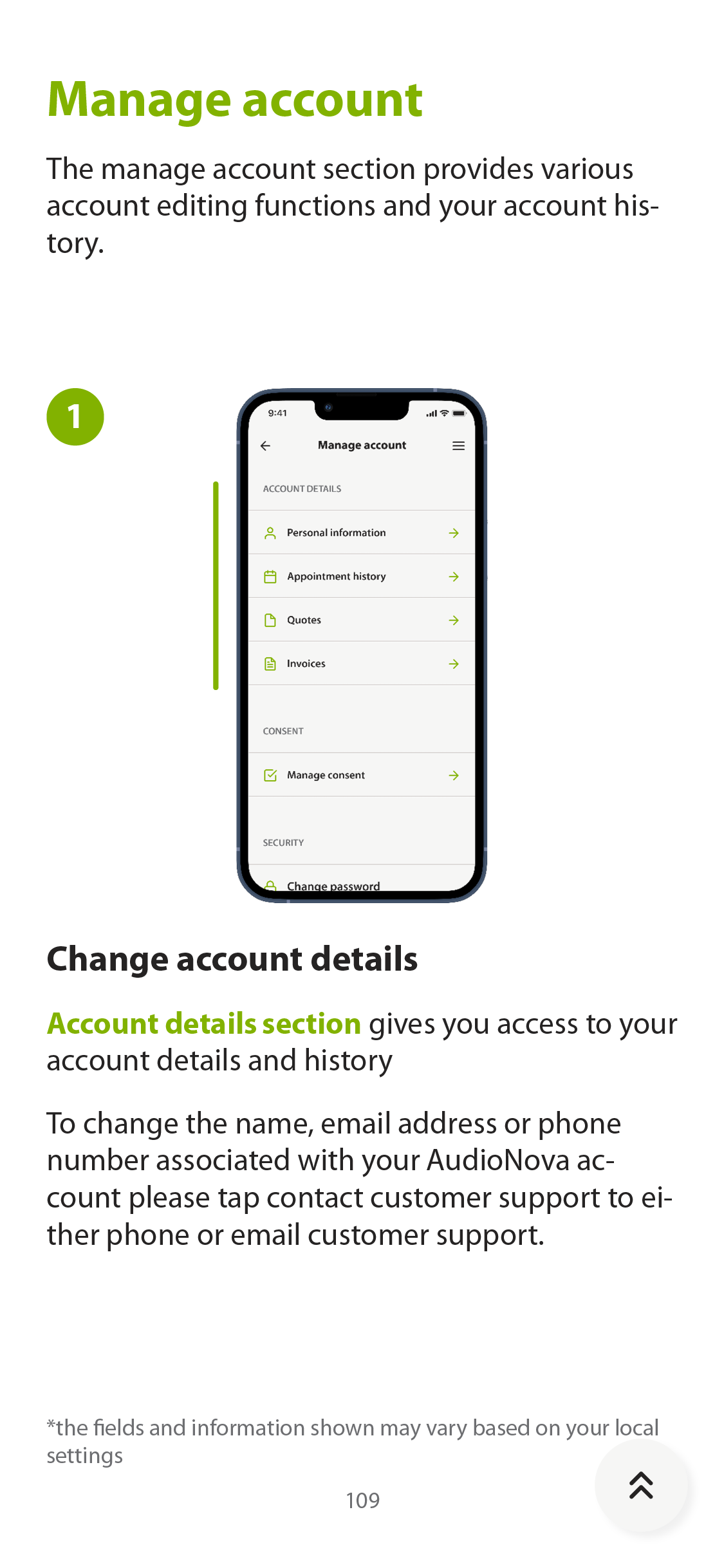
100+ pages
The three hardest limits
-
Constraint 01
Medical-device regulation
European MDR
Ruled out
Loose wording, implied medical claims, and any result screen that could read as a diagnosis.
Produced instead
Copy checked line by line, and a test that reports what it measured while pointing to a professional for the rest.
-
Constraint 02
Readable at arm’s length, first try
Sets the floor for everyone
Ruled out
Dense panels, low-contrast styling, small targets, and flows that move faster than the person using them.
Produced instead
Large touch targets, high contrast, one decision per screen, and states you can name out loud.
-
Constraint 03
Several regional brands
One app, many skins
Ruled out
Brand-specific layouts, and decoration that only worked in one palette.
Produced instead
A structure that survives a change of palette, with contrast and target sizes fixed at the system level.
In closing
Every release goes through the full regulatory process
Every iteration shipped through the same cycle: prepared, documented, tested by an outside body because the regulation does not let us test our own device, and only then released. The guide is part of the device for the same reason. Design to that rhythm and you decide slowly and rarely.
The project settled something else for me: I want to know who a product helps, and what it changes for them. I have kept close to those people ever since.